LinkedIn Open to Work: Green Banner vs Recruiter-Only (2026)
LinkedIn Open to Work is a visibility setting, not a job-search strategy. The public green frame tells your network you are looking. Recruiter-only tries to tell recruiters without a photo badge. Pick one on purpose, fill the job titles, then finish the rest of the 10-point checklist.
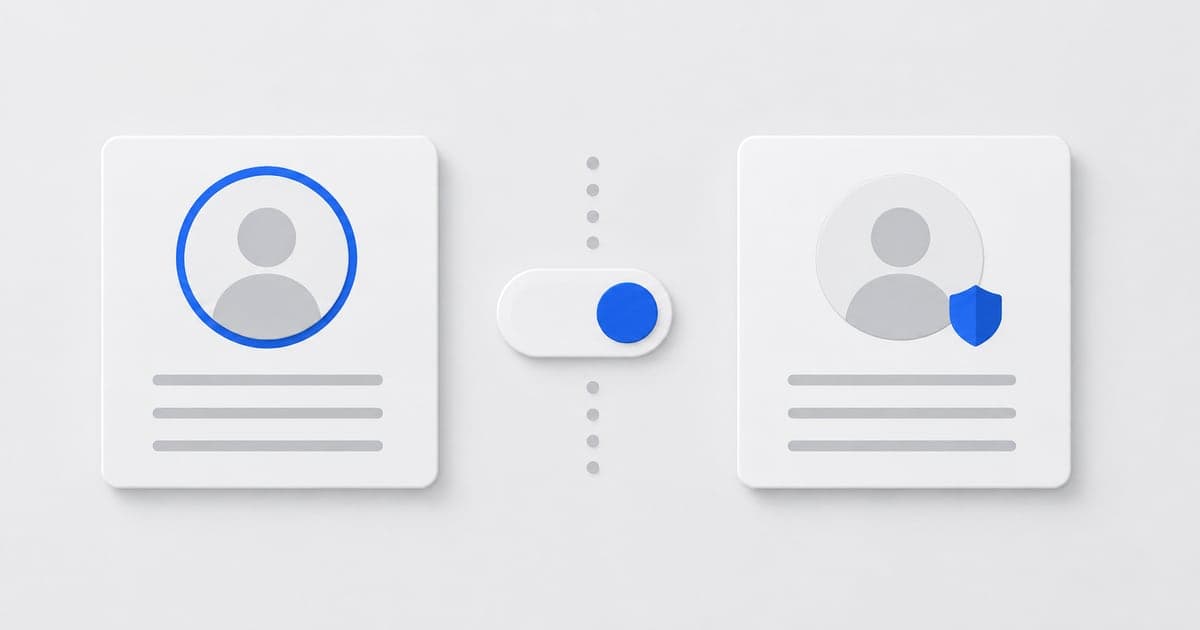
Should you use the LinkedIn Open to Work photo frame?
Use the public photo frame when you are unemployed, on an announced notice period, or want referrals from weak ties. Use recruiter-only—or skip the feature—if your current employer seeing it would be a problem.
Public #OpenToWork frame: your photo shows the green ring. Use it when you are unemployed, on a notice period you are allowed to announce, or you want referrals from weak ties. People at your current company can see it.
Recruiter-only: no photo frame. LinkedIn says recruiters using Recruiter can see you are open, and tries to exclude users at your employer. Treat that as best-effort, not a vault. If getting spotted would be a problem, skip the feature and run a quiet search: tailored applications, selective outreach. Recruiter outreach templates.
What should you fill in on LinkedIn Open to Work?
Fill in two to five job titles you would accept, only locations you will work, a real start date, and job types you will sign. Skip the feature if you cannot fill those honestly.
- • Job titles: two to five titles you would accept, spelled the way postings are spelled.
- • Locations: only places you will actually work. Remote is a location choice, not a personality.
- • Start date:immediately vs a real notice period. Lying here wastes everyone's first call.
- • Job types: full-time, contract, intern — match what you will sign.
Open to Work with a default headline still looks like a default profile. Fix the rest of the profile in the same sitting. 10-point optimization checklist · Headline examples · About examples · Experience section examples.
Does LinkedIn Open to Work get you interviews by itself?
No. Open to Work does not replace a tailored resume, hide a search from determined coworkers, or rank you above better title and skill matches.
- • It does not replace a tailored resume. Recruiters who InMail you still open a file. Resume examples.
- • It does not hide a job search from a determined coworker who uses Recruiter or hears it in Slack.
- • It does not rank you above people with better title/skill match. Keywords still win. Optimization checklist.
Frequently asked questions
Should I use the green Open to Work photo frame?
Use the public frame if you are unemployed (or openly leaving) and want your network to see it. If you are employed and confidential, turn the public frame off and use recruiter-only so people at your company are less likely to notice.
Does Open to Work actually help recruiters find me?
It is a filter some recruiters use, not a ranking cheat code. It only helps if your headline, title, and skills already match the search. An empty Open to Work with no job titles selected is a wasted toggle.
Will my boss see Open to Work?
The public photo frame is visible to anyone who views your photo, including coworkers. Recruiter-only is meant to hide it from users at your current company, but it is not a legal privacy guarantee. If a leak would hurt, do not rely on the feature — network privately.
What job titles should I select?
Two to five titles you would actually accept, written the way recruiters search (Software Engineer, not Code Wizard). Too many unrelated titles makes you look unfocused. Align them with the headline and the resume you are sending.
How does ElevateAI fit with Open to Work?
Open to Work is a LinkedIn setting. ElevateAI keeps the story consistent: headline, About, experience, and the tailored resume for each saved job. Turn the badge on or off in LinkedIn; generate the copy from career memory so the jobs you marked match what you apply with.